Web Design Curriculum Checklist: Choose a Course That Covers It
Choosing the right web design course is an important step if you want to build a career in web development, UI design, or digital technology. With so many courses and training institutes available, it can be difficult to know which one is actually worth your time and money.
A good web design course should teach more than just how to create attractive web pages. It should give you practical knowledge of modern web technologies, responsive design, user experience, and real-world website development.
Before enrolling, use this checklist to make sure the course covers the essential skills you need.
1. HTML and HTML5
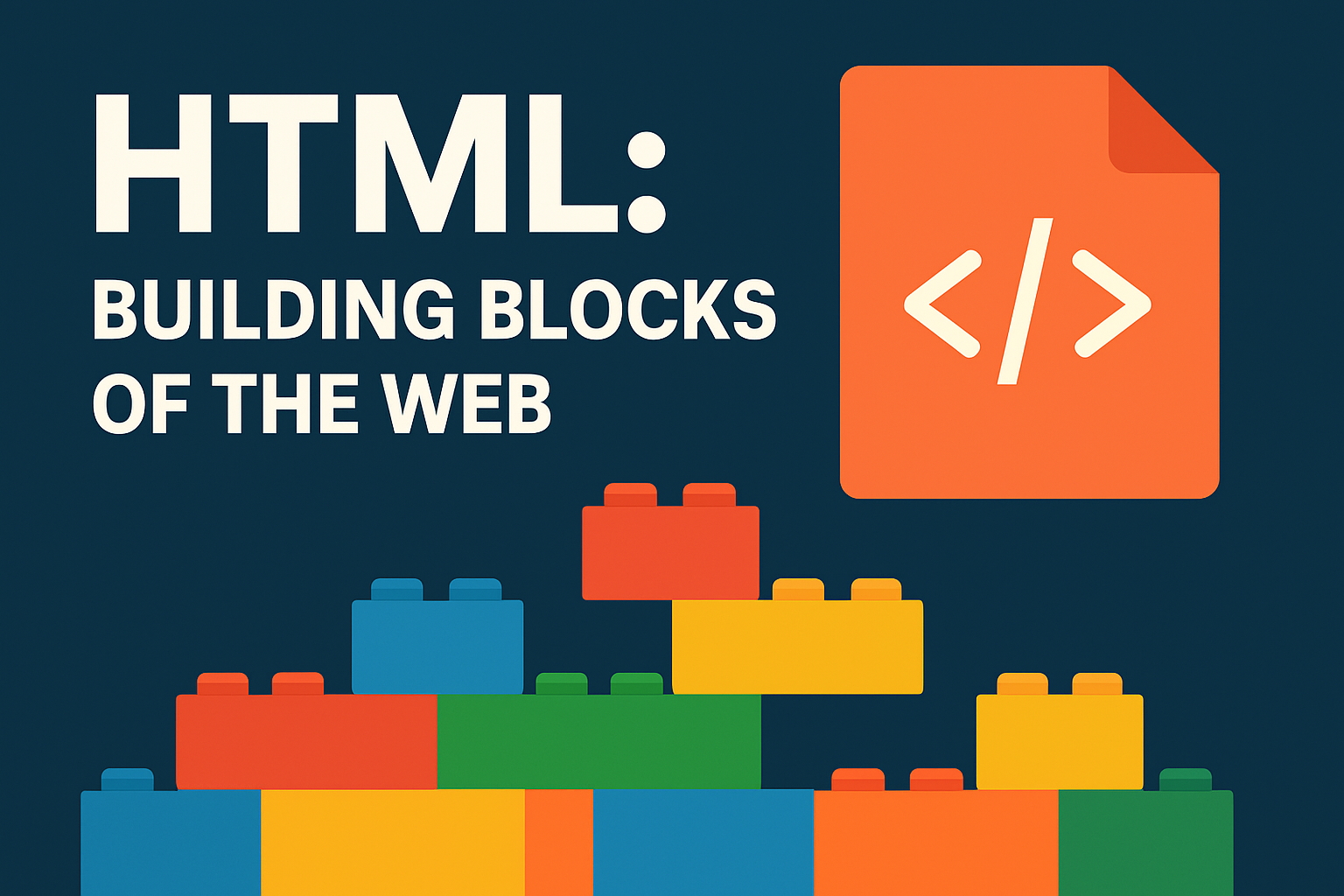
HTML is the foundation of every website. A quality course should start with HTML and teach you how to structure web pages correctly.
The curriculum should include:
- HTML elements and attributes
- Headings, paragraphs, links, and images
- Lists and tables
- Forms and input fields
- Semantic HTML5 elements
- Audio and video
- Basic SEO-friendly HTML structure
A strong understanding of HTML makes it easier to learn other web technologies.
2. CSS and Modern Styling
CSS is used to control the appearance and layout of websites. Make sure the course provides enough practical training in CSS.
Important topics include:
- CSS selectors and properties
- Colors, fonts, and typography
- Box model
- Margin and padding
- Flexbox
- CSS Grid
- Positioning
- Transitions and animations
- Responsive design
- Media queries
The course should also teach you how to create layouts that work properly on different screen sizes.
3. Responsive Web Design
Most users access websites through smartphones and tablets, so responsive design is an essential skill.
Your course should teach you how to:
- Design mobile-friendly websites
- Create responsive layouts
- Use breakpoints and media queries
- Adapt images and content to different screens
- Test websites on multiple devices
A course that focuses only on desktop websites may not provide enough preparation for modern web design work.
4. JavaScript Basics
You don’t necessarily need to become an advanced JavaScript developer to start as a web designer, but understanding JavaScript can greatly improve your skills.
Look for topics such as:
- Variables and data types
- Functions
- Conditions and loops
- Events
- DOM manipulation
- Forms and validation
- Arrays and objects
- Basic interactive website features
Practical JavaScript projects can help you understand how websites respond to user actions.
5. UI/UX Design Principles
Modern web design is not only about making a website look attractive. It should also be easy and comfortable for users to navigate.
A good curriculum should introduce:
- User interface design
- User experience principles
- Website navigation
- Visual hierarchy
- Typography
- Color theory
- Spacing and alignment
- Call-to-action design
- Basic usability principles
These skills can help you create websites that are both visually appealing and user-friendly.
6. Design Tools
A practical web design course should provide experience with commonly used design tools.
Depending on the course, you may learn tools such as:
- Figma
- Adobe Photoshop
- Adobe XD
- Canva
The important thing is not simply learning the software. You should learn how to use design tools to create website layouts, prototypes, banners, and other digital assets.
7. WordPress
WordPress is widely used for creating business websites, blogs, portfolios, and other types of websites.
If you are interested in becoming a professional web designer, consider a course that includes:
WordPress installation
- Themes and plugins
- Pages and posts
- Menus and navigation
- Widgets
- Website customization
- Page builders
- Basic WordPress security
- Website backups
- Basic SEO
Practical WordPress projects are especially useful for students who want to work with real clients.
8. Basic SEO
Web designers should understand the fundamentals of search engine optimization.
The curriculum can include:
- SEO-friendly page structure
- Heading hierarchy
- Meta titles and descriptions
- Image alt text
- Internal linking
- Mobile-friendly design
- Website speed basics
- SEO-friendly URLs
You don’t need to become an SEO specialist, but basic SEO knowledge can make your websites more effective.
9. Website Hosting and Domain Basics
A course should ideally explain what happens after a website is designed.
Important topics include:
- Domain names
- Web hosting
- cPanel basics
- Uploading website files
- Connecting domains and hosting
- SSL certificates
- Basic website maintenance
This knowledge can help you confidently publish websites for yourself or clients.
10. Git and Version Control
Learning basic Git can be useful when working with developers or development teams.
Look for introductory training in:
- Git
- GitHub
- Creating repositories
- Commits
- Branches
- Push and pull
- Basic collaboration workflows
Even if you mainly work as a web designer, version control can be a valuable professional skill.
11. Real-World Projects
One of the most important things to check before joining a course is whether it includes practical projects.
Projects could include:
- Business website
- Portfolio website
- Landing page
- Blog website
- E-commerce website
- Responsive website
- WordPress website
Projects give you an opportunity to apply what you learn and build a portfolio for future job applications.
12. Portfolio Development
A good course should help you create projects that you can showcase to employers or clients.
Your portfolio could include:
- Website screenshots
- Live website links
- Project descriptions
- Technologies used
- Your role in the project
A strong portfolio can demonstrate your practical abilities better than a course certificate alone.
Web Design Course Checklist
Before enrolling, ask yourself whether the course covers these areas:
☐ HTML and HTML5
☐ CSS and modern layouts
☐ Flexbox and CSS Grid
☐ Responsive web design
☐ JavaScript fundamentals
☐ UI/UX principles
☐ Figma or another design tool
☐ WordPress
☐ Basic SEO
☐ Domain and hosting
☐ Git and GitHub basics
☐ Real-world projects
☐ Portfolio development